everywhere at once
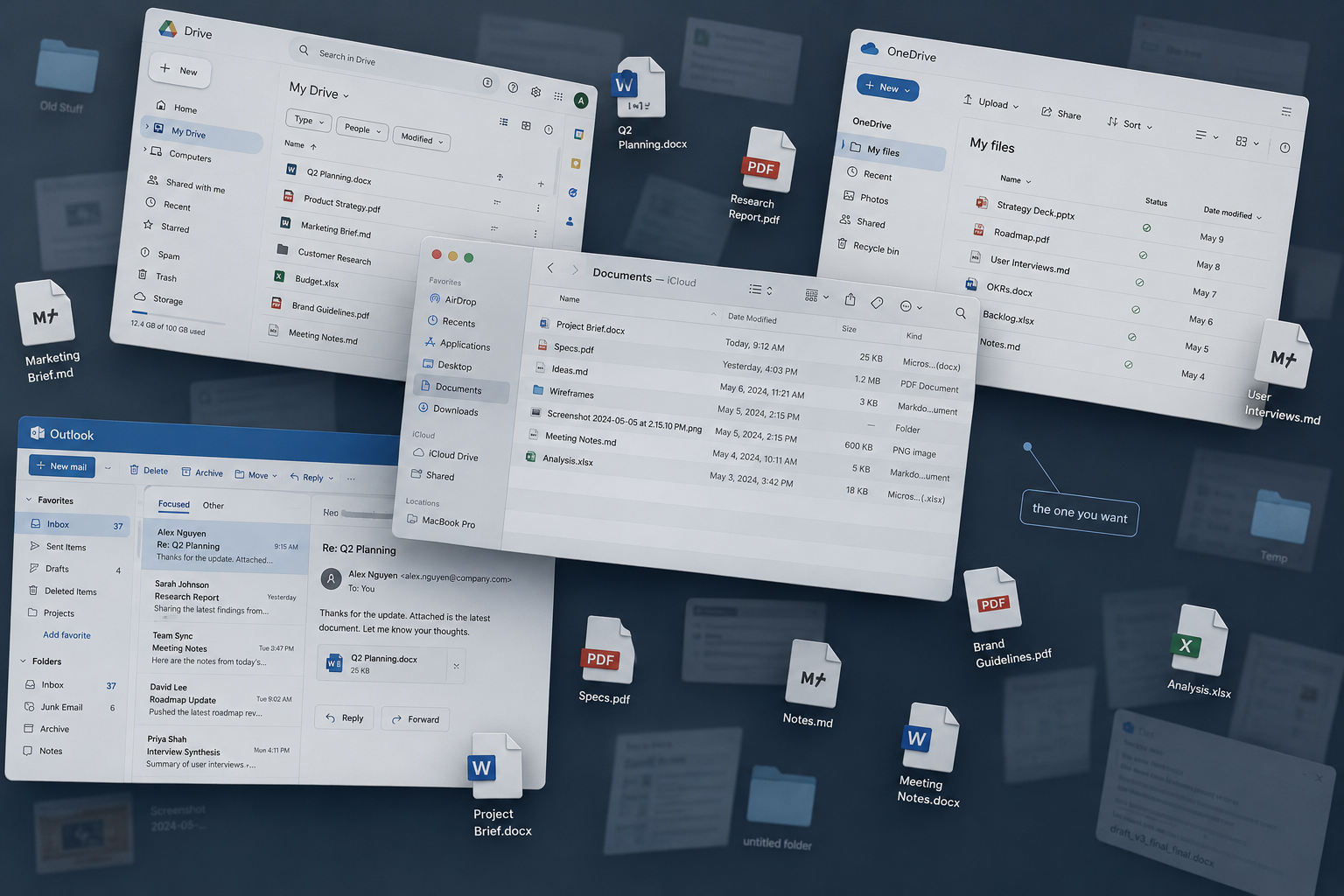
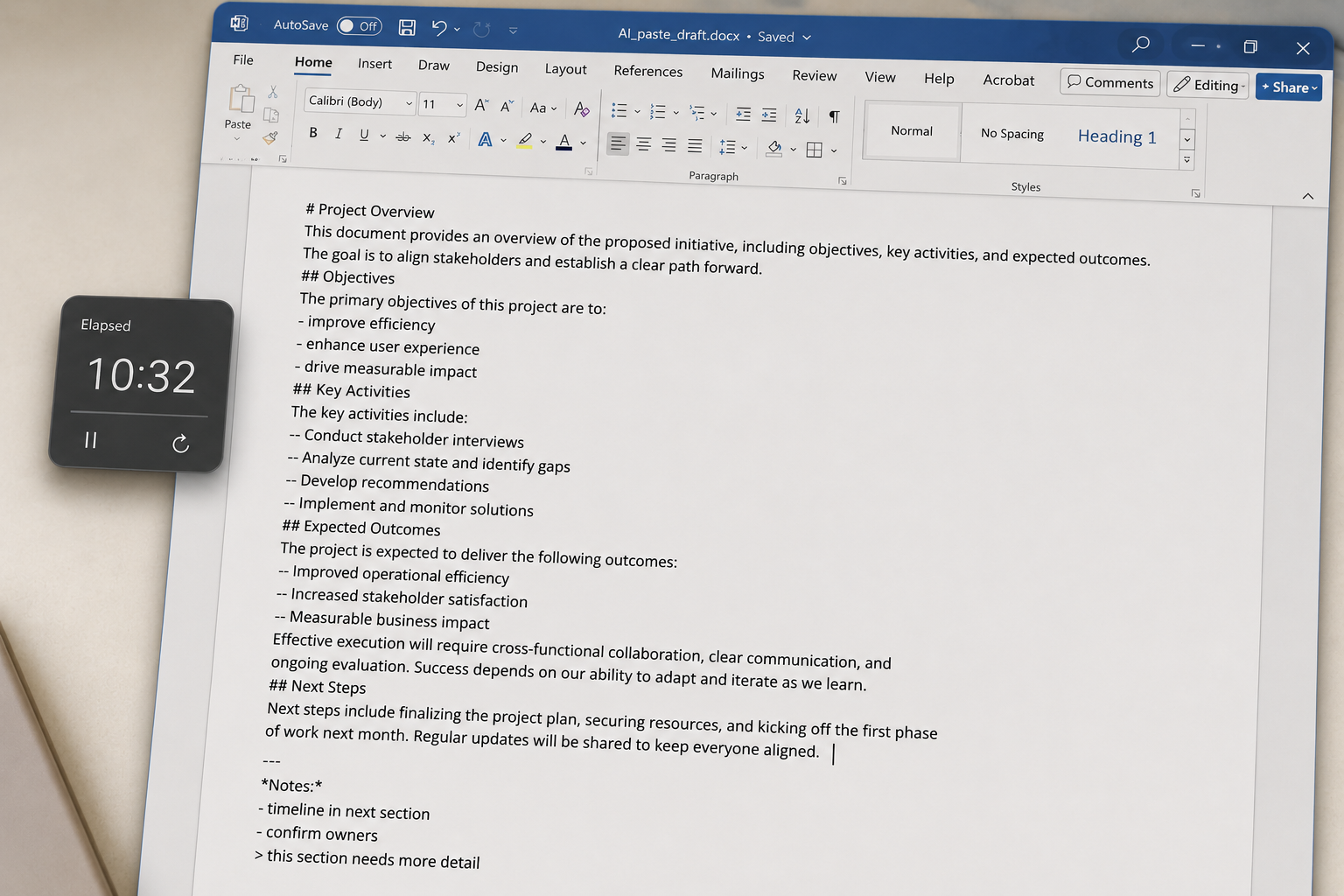
Write Markdown. Paste from any AI. Drop in old .docx and PDFs. It all lands in the same fast, searchable place, with inline color swatches like
#ed4d92,
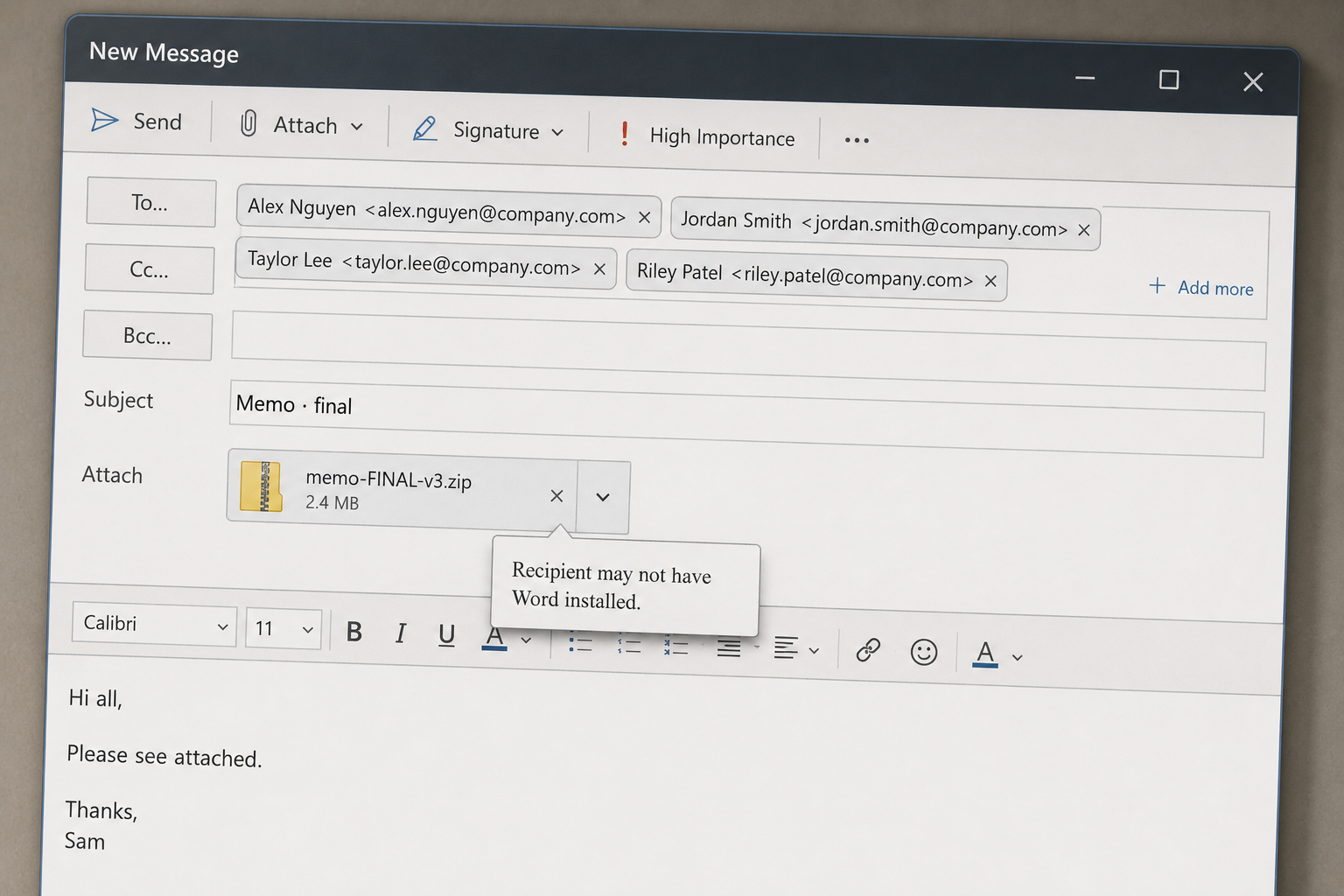
real headings, and version history on every save.

Pasted Claude's first draft this morning. Cleaned up the opening and tightened the close. Headings survived the paste, which is the whole point.
The brand colors landed clean:
Sharing this with the board by link, read-only.
Four bits of every day. Here’s what they look like now.
The whole product, no jargon. Six things that change the day-to-day of writing and finding stuff.
Browse the full index →The editor doesn't get in the way. Headings, bullets, links, quotes. They just work. No toolbar circus, no setup. It looks like a real document while you write it.
We land in Kyoto on the 12th and have three full days before Osaka. The bamboo grove at Arashiyama is best at dawn, Fushimi Inari takes a morning, and the Nishiki food markets are worth a slow afternoon.
Type a prompt or click a one-click action. The AI Author drafts, edits, or chats about the doc. Every change comes back as a diff. You decide what to keep.
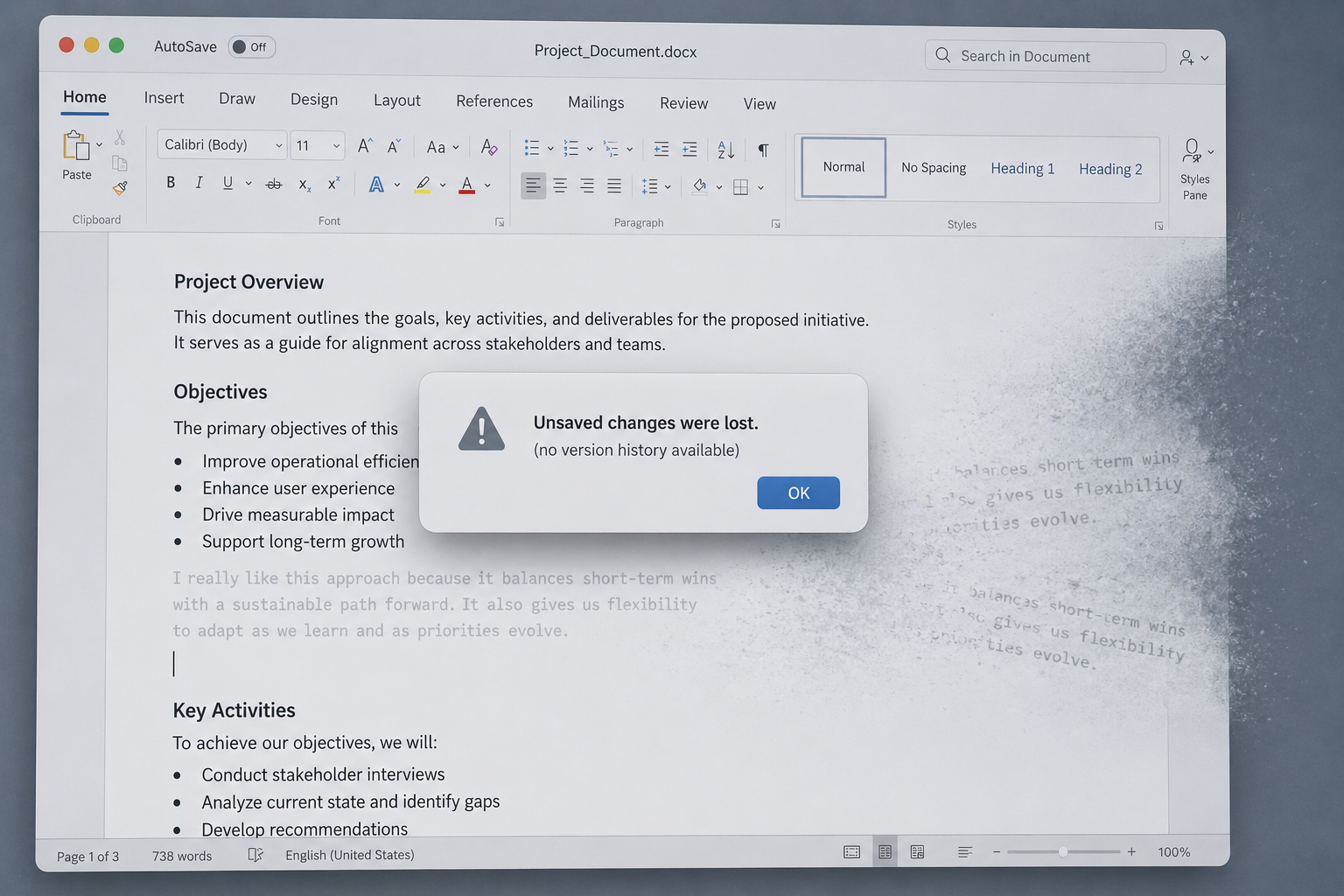
You don't press save. It's already done. Open the same document on your phone, your laptop, anywhere. If you change your mind, scroll back to any version and bring it back.
We land in Kyoto on the 12th and have three full days before Osaka.
Drop docs into folders. Spin up separate libraries for different projects. Pin the ones you live in. The structure adjusts as the way you work changes.
Type a couple of letters. Your memos, your drafts, your AI rewrites, the PDF you dropped in last month. All searchable by title or by what's actually inside them. No more folder hunts.
Flip the toggle, copy the URL, send it. The reader doesn't need an account, doesn't need a password, doesn't need to wait. Public links are read-only and can be killed instantly.
Type the email, pick Read or Write. The invite goes out, they sign in once, and the doc shows up in their workspace. Stays there until you revoke access.
Two cursors, two colors, two names. Both of you type in the same doc at the same time and the merge just works. Built on Yjs, the same CRDT engine real collaborative editors use.
We land in Kyoto on the 12th and have three full days before Osaka. The bamboo grove at Arashiyama is best at dawnRich, Fushimi Inari takes a morning, and the Nishiki food markets are worth a slow afternoon.
Create an organization, invite teammates with Owner / Admin / Member roles. Domain capture so new sign-ups from your email domain join automatically. Audit log on the whole thing.
Switch from your personal library to a team library with the dropdown at the top of the sidebar. Everyone on the team sees the same folders, the same docs, with the same structure, live.
The org admin handles billing once. Add a teammate, the seat is added to the org card. Remove them, the next invoice drops. One clean PDF per month, sent to the address you pick.
ChatGPT, Claude, Gemini, Copilot. The Markdown they write becomes real Markdown in your doc. Headings stay headings, code blocks stay code blocks, lists stay lists.
Morning: Arashiyama bamboo grove (best at dawn).
Copy from any webpage. Headings, paragraphs, links, lists, AND inline images come through. The site's fonts and colors stay behind.
A walking path through dense moso bamboo, light filtering down between the stalks.

Source: wikitravel.org
Click the copy button. The whole doc lands on your clipboard as raw Markdown — no HTML, no styling, no cruft. Paste it back into ChatGPT or Claude with way fewer tokens than the original source.
We land in Kyoto on the 12th and have three full days before Osaka. The bamboo grove at Arashiyama is best at dawn.
# Kyoto, days 1–3

We land in Kyoto on the 12th and have three full days before Osaka. The bamboo grove at Arashiyama is best at **dawn**.

- Reserve the dawn slot at Arashiyama.
- Pre-book the Nishiki food tour.Drop a Word file, a PDF, a Markdown file, or plain text anywhere in the app. We strip the formatting cruft and what lands is a clean, simple digital document.
We land in Kyoto on the 12th and have three full days before Osaka.
Export any document as Markdown, Word, or PDF. Simple, consistent formatting — never a recreation of whatever source it came from. Boring is the point.
We land in Kyoto on the 12th and have three full days before Osaka. The bamboo grove at Arashiyama is best at dawn.
⌘P or click the print icon. Your browser's print dialog opens with just the document — no toolbar, no sidebar, no app chrome. Same on every printer.
We land in Kyoto on the 12th and have three full days before Osaka. The bamboo grove at Arashiyama is best at dawn.
The first one is free. The second one takes about a minute. The third one is the bit where you stop worrying about your documents.
No credit card. Email and password, or one click with Google. You're inside the editor before the kettle boils.

Bring the draft from ChatGPT, Claude, Gemini, or whatever you use. Headings survive the trip, that's the whole point.
Word, PDF, plain text, Markdown, whole folders if you have them. We convert what needs converting and leave the rest alone.
One link sends it to a friend. Export the same writing as Word for the lawyer, PDF for the file, or print for the wall. Every save keeps a history, nothing is lost.
The free plan has the editor, the AI Author, saving, sharing, and exporting. All of it. We cap volume, not features. Pay when 25 documents stops being enough.
25 documents. Everything else included.
#hex swatches..docx, .pdf, .md, .txt.Sign up with email or Google. No credit card.
Unlimited documents. Bigger AI. API access.
No annual contract. Export stays clean. ⌘ K to upgrade in-app.
Need team pricing, the full comparison, or FAQs? See full plan details →